Update No. 37
Instagram tags and Story sharing, Capture on every plan, and all your domains in one place
Tag people and invite collaborators on Instagram, share a post as a Story, use Medal Social Capture on every plan, check your domains in one place and get around the web app faster.

You can now tag people on Instagram photos, invite collaborators and share a feed post as a Story in one go. Medal Social Capture comes with every plan, and a new Domains page shows the health of every domain your workspace uses.
Moving around the web app is quicker too: ⌘K opens on the places you just visited, and Back keeps your place.
- Tag people and invite collaborators on Instagram. In the web composer, click a photo to tag someone right where they appear, and each slide in a carousel keeps its own tags. You can invite up to three collaborators to a post, and the preview shows who is posting with you.
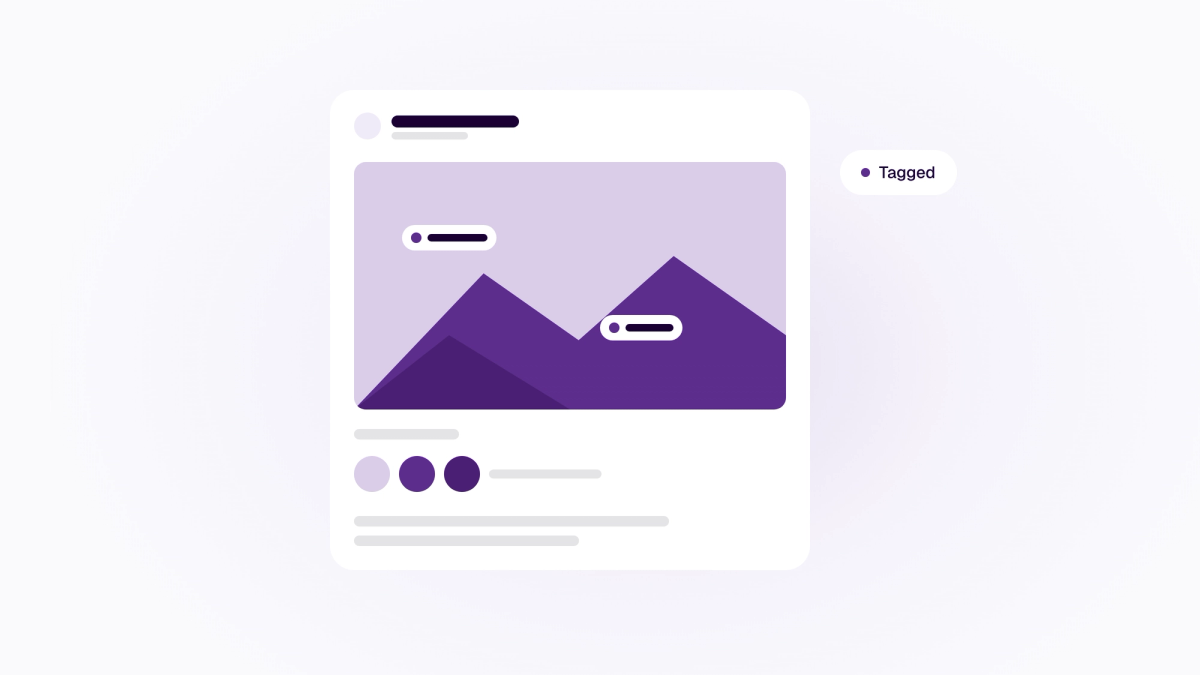
- Also share as a Story. Turn on Also share as Story and Medal Social publishes your feed post, then the Stories you chose: the first slide, a few of them or all of them. Pick a background (your brand colour, a colour from the photo or black) and add a short line of text. Each Story share shows its status, and you can retry one that didn't go out.

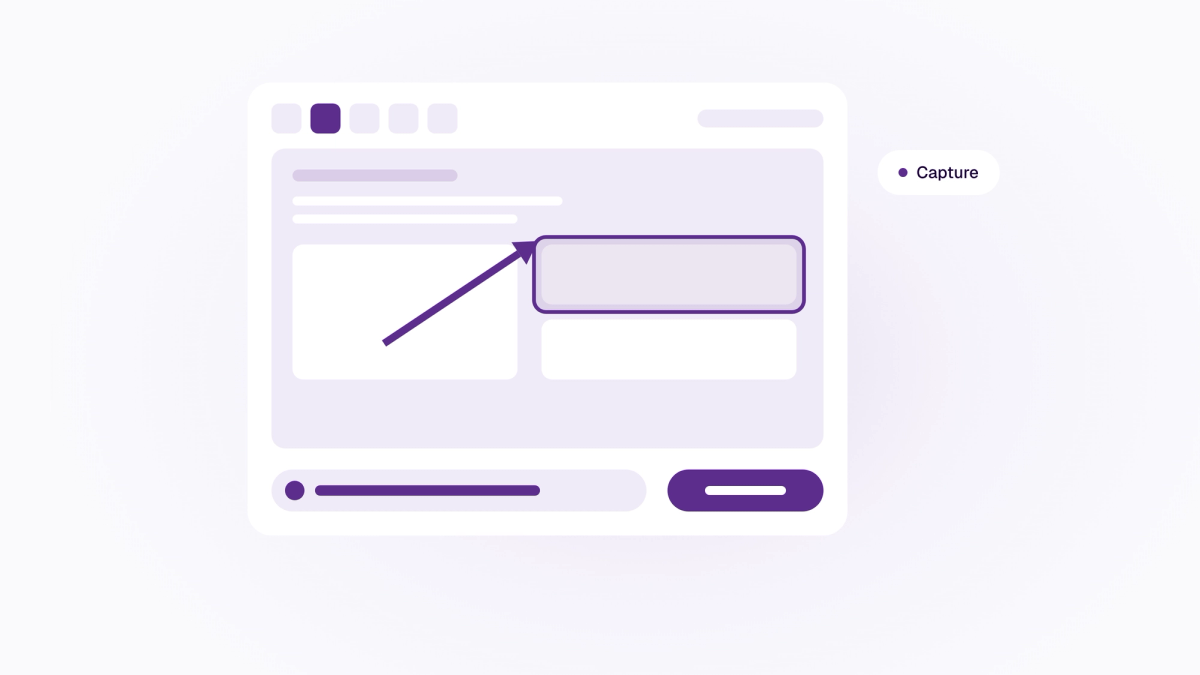
- Medal Social Capture on every plan. Every workspace now has Screenshots in Media and the capture editor. Mark up a screenshot and share it with a short link.
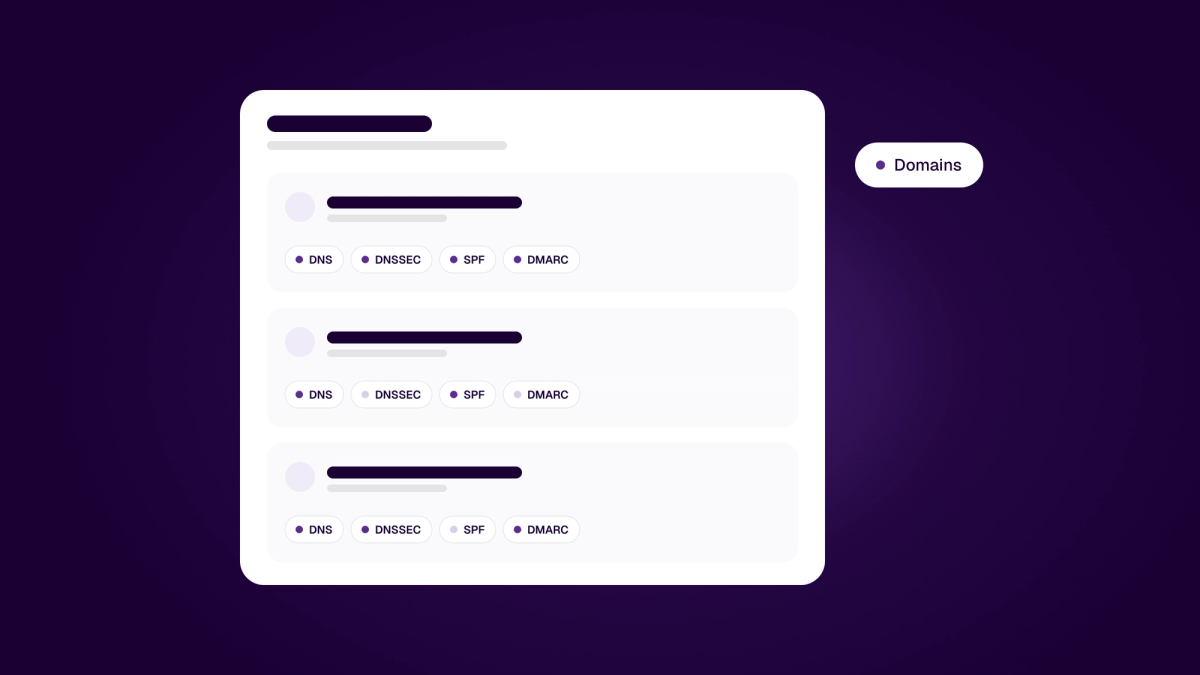
- Your domains in one place. The new Domains page in Settings lists every domain your workspace uses for its website, email and sign-in. Each one shows who hosts its DNS, whether DNSSEC is on, and its SPF and DMARC records, and owners and admins get an alert if DNSSEC breaks. Owners and admins can also add a domain by hand and prove it with a TXT record.
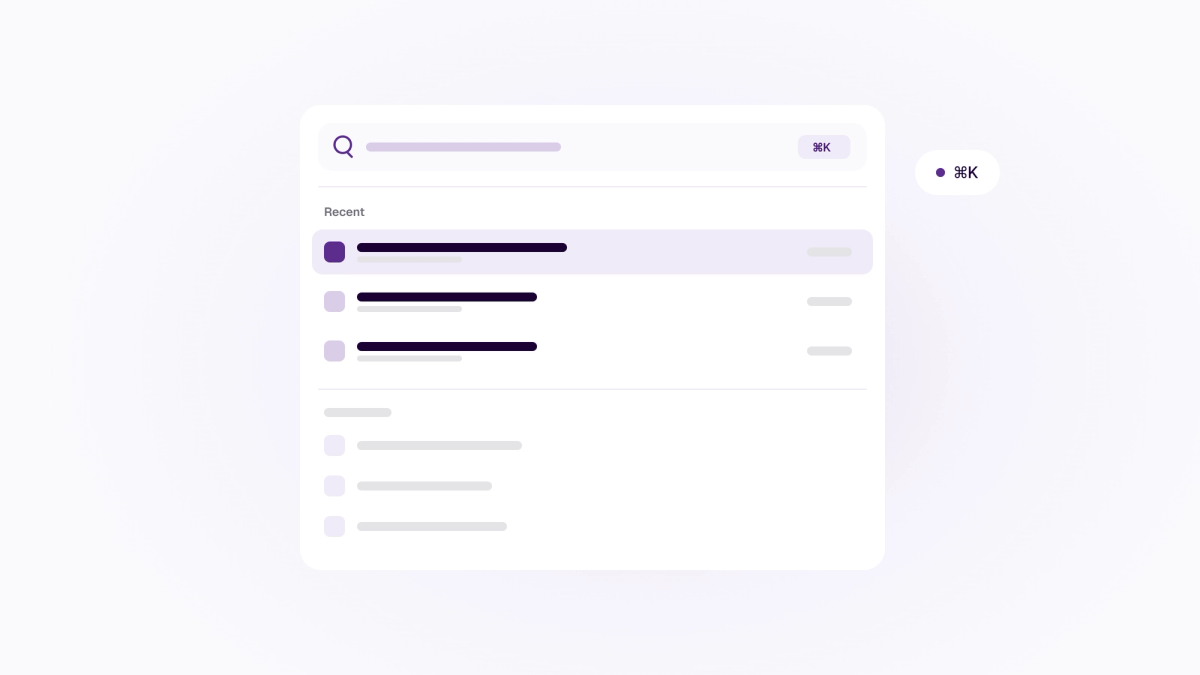
- Jump back with ⌘K. Press ⌘K and you start on Recent, the last places you had open in this business.
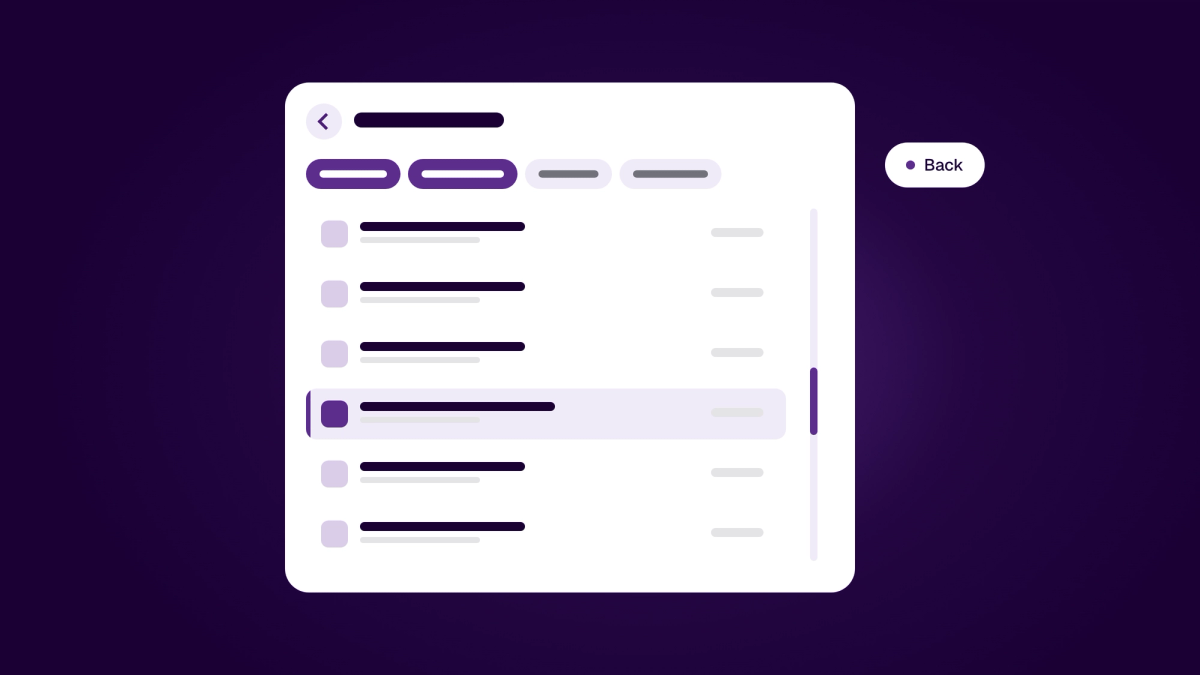
- Back keeps your place. Going back returns you to the same spot in a list, with your filters and tab view still set. If a sheet, drawer or dialog is open, Back closes it instead of leaving the page. A record that no longer exists shows a clear page with a way back.
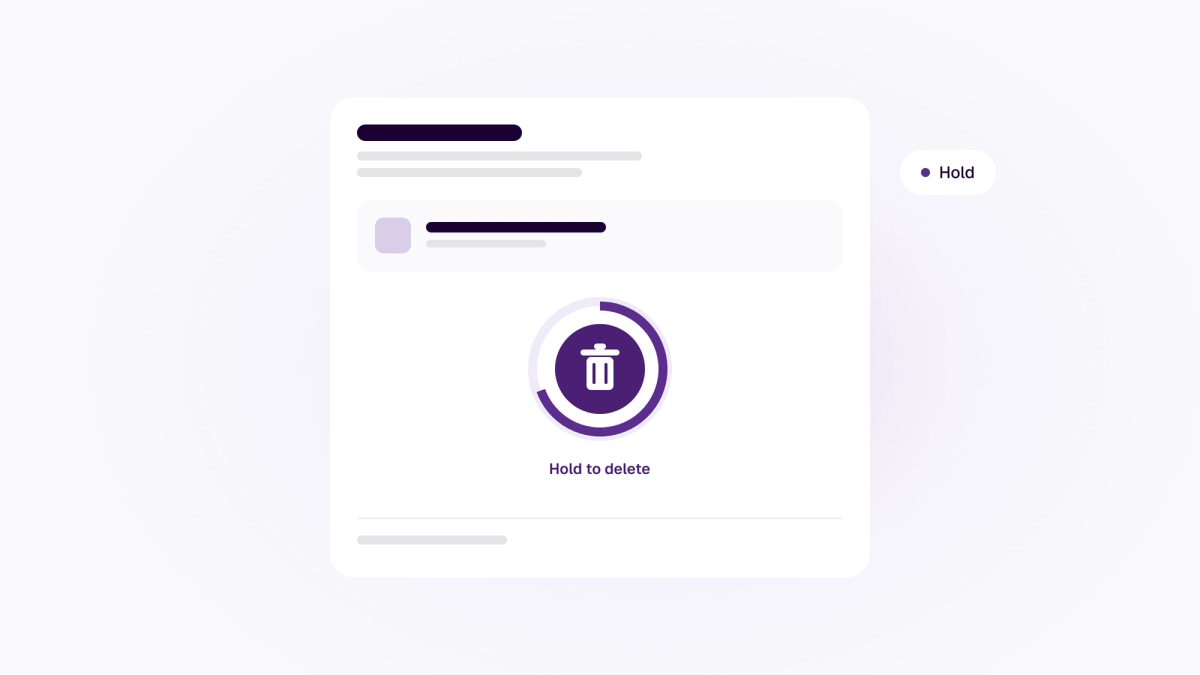
- Hold to confirm. Deleting a contact, a campaign or a saved reply, or removing a single sign-on provider, now asks you to press and hold first. A stray click can no longer remove something you can't get back.
- Ask to switch on a module. Workspace owners and admins can request access to an inactive module right from Settings with "Ask us to switch it on", which sends the request straight to your Medal Social support thread.
- Financial context and company checks in Leads. Each lead sheet now shows the company's total assets and debt. Leads and Outreach also block converting, enrolling or contacting companies marked as struck off, bankrupt, in forced dissolution or in liquidation in the company register (Enhetsregisteret).
- Clearer Site metrics and page recovery. Overview and Traffic now show a "Not updated since" note when site numbers have stopped updating, and taking back a stale draft in the page editor retries automatically.
- Phone sign-in approval and faster pages. Approving sign-ins from your phone handles app installation IDs cleanly, and /login, /signup and /pricing preload only the scripts they need so they open faster.
For developers
- Meda UI 3.17 and 3.18. The booking details form in @medalsocial/meda marks each field as required or optional and reads better with a screen reader. Version 3.18 adds an opt-in swipe to close the right panel on iPad.
- SDK 1.21.0. @medalsocial/sdk 1.21.0 and the booking package 0.12.0 bring the required and optional markers and the accessibility fixes to the booking wizard.