Update No. 35
Pilot works inside your posts, and a first comment that posts itself
Ask Pilot to change a post's text or photos right in the composer, add a first comment on Instagram, LinkedIn and YouTube, and post to several networks with fewer surprises.
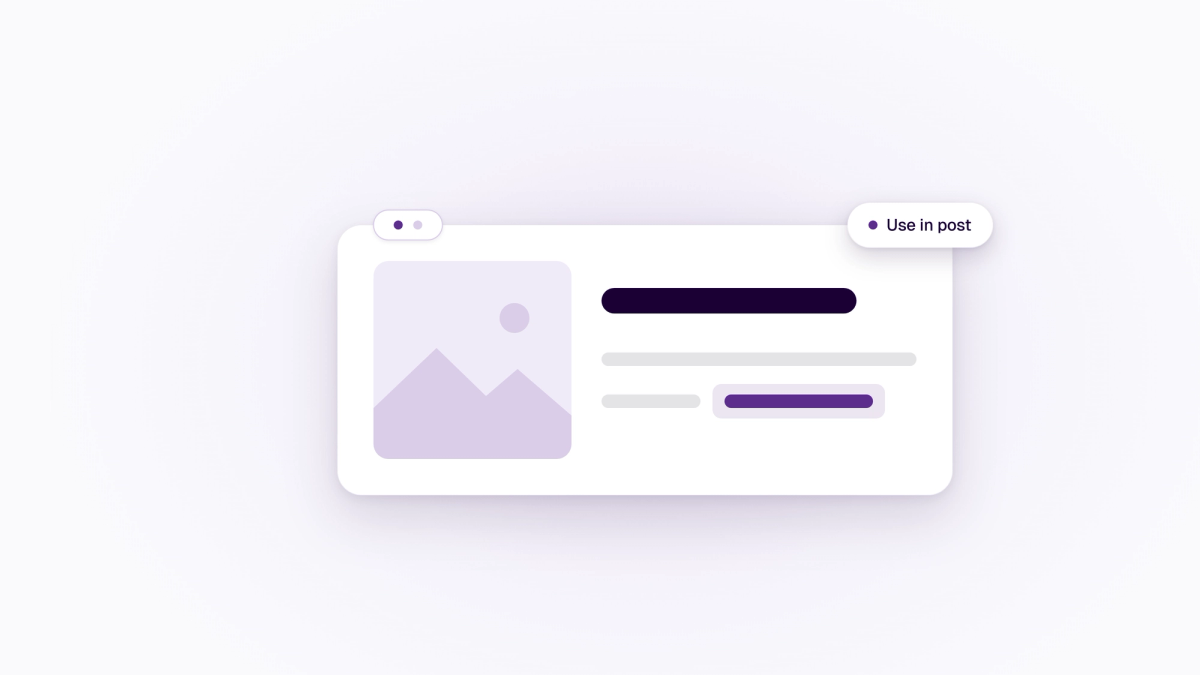
Pilot now works right inside the post composer. Tap Pilot on a post, say what you want changed, and pick the version you like. Your Brand voice is applied every time, and anything Pilot changes can be undone.
Posts can also carry a first comment on Instagram, LinkedIn and YouTube. It goes out right after the post. We also fixed a long list of small things that made posting to several networks harder than it should be.
- Change a post's text with Pilot. Every network card in the composer has a Pilot button. Each answer comes back as a numbered version, with the words Pilot added highlighted and a count against the network's limit. Choose Use in post, or use it for one network only. Your text stays as it is until you pick a version, and Undo is there if you change your mind.
- Edit photos with Pilot. Tap Edit on a photo in the composer, or Edit with Pilot on a photo in Media. Ask for a brighter shot, a crop for Instagram or a new background. Each edit is saved as a new version in Media and your original is kept. Photo edits count towards your daily Pilot answers.
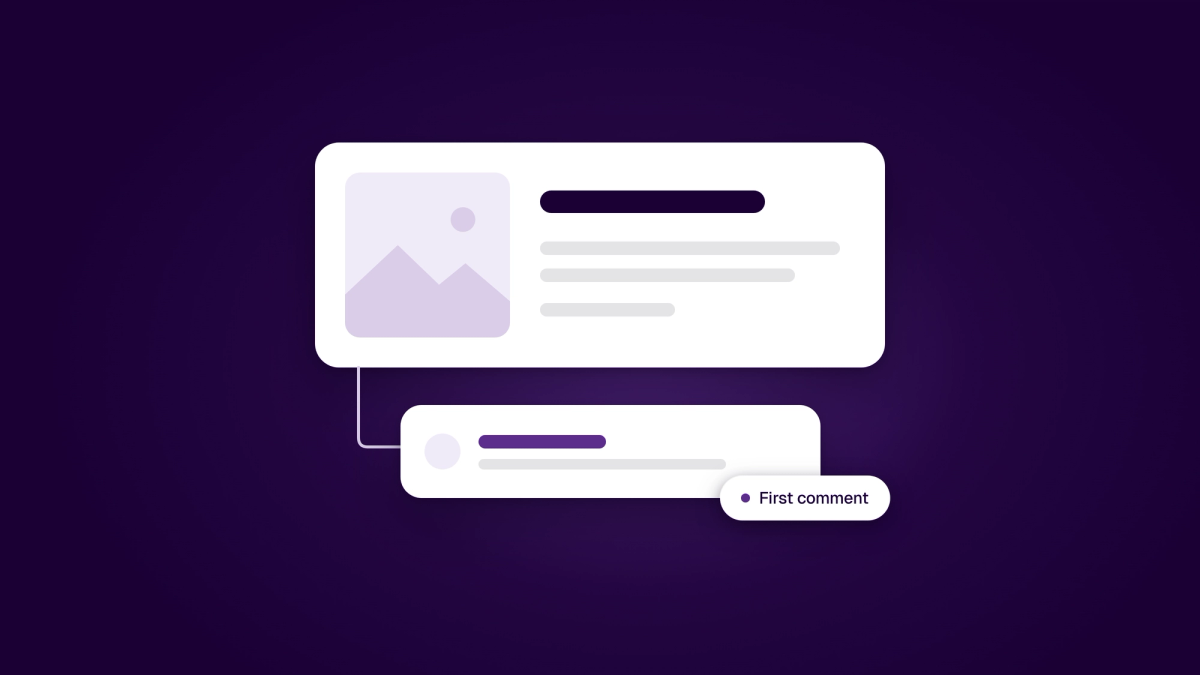
- First comment on Instagram, LinkedIn and YouTube. Add a first comment under any post on those networks. If the comment fails, the post stays published and To do offers Retry or Reconnect. First comments aren't available on Instagram Stories, Facebook, or YouTube videos that are private, made for kids or scheduled on YouTube.
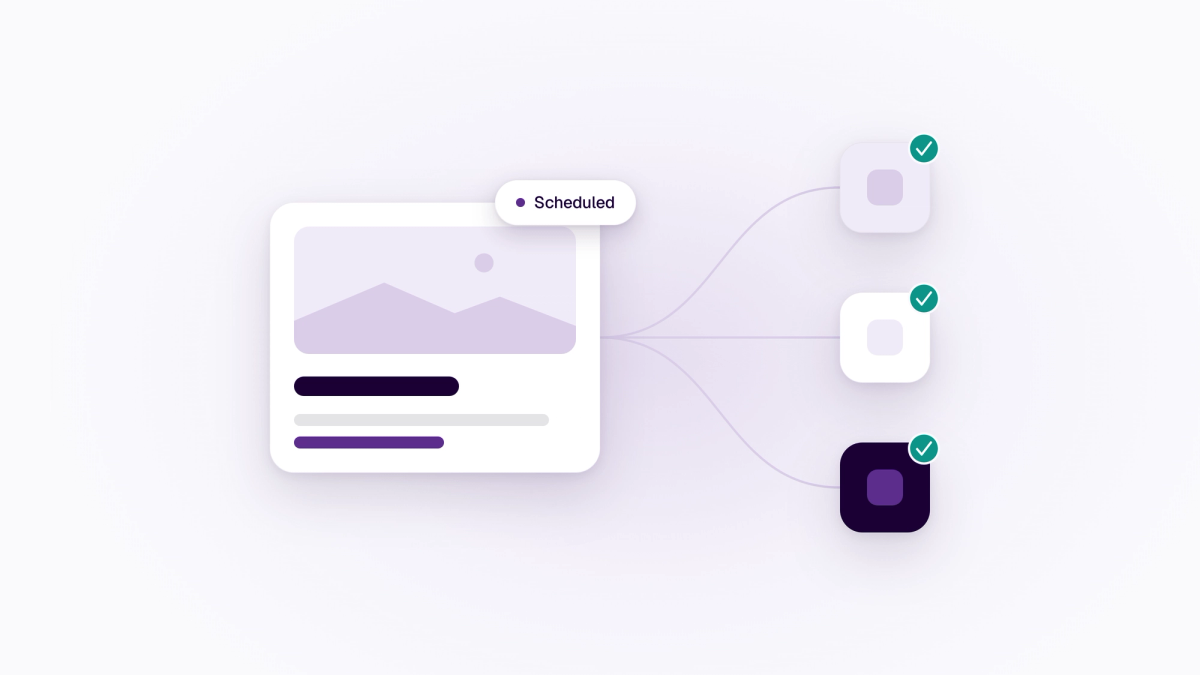
- Posting to several networks, with fewer surprises. A photo added to the shared text now goes to every network that uses it. LinkedIn starts on your company page, and error messages name the network. Disconnecting one network keeps the post scheduled on the others. Instagram Stories now keep their caption and @mentions.
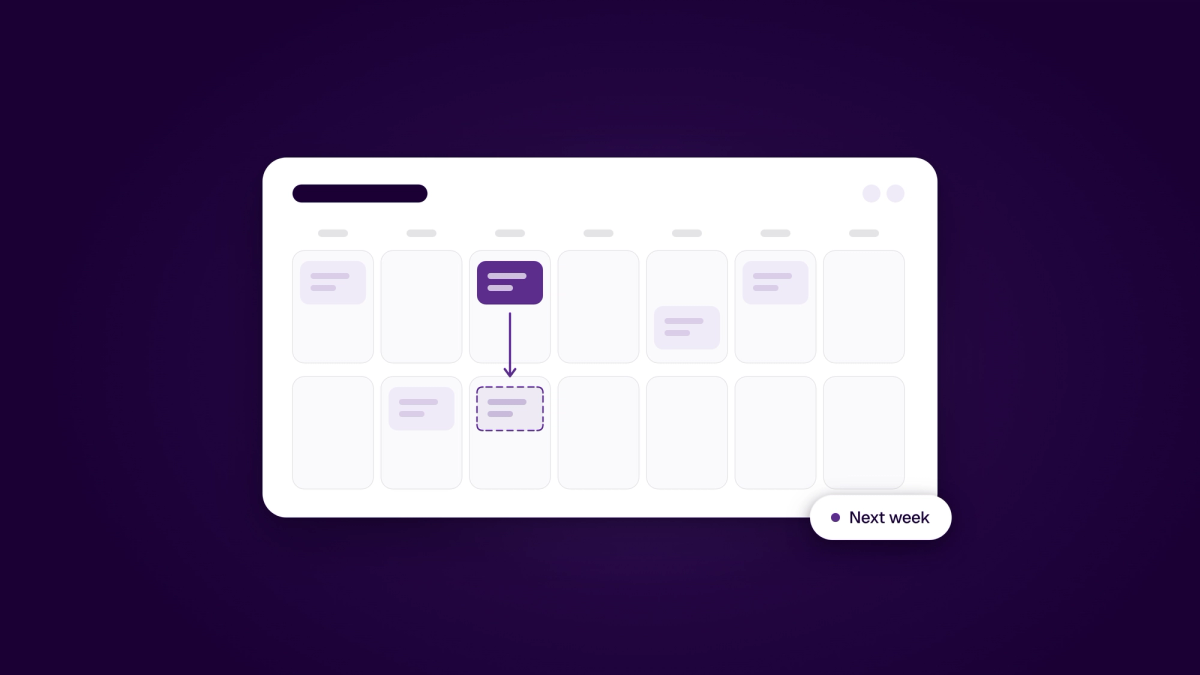
- A calendar that's quicker to manage. Edit is now the main button on a post. Duplicate to next week schedules the copy straight away, with Undo. Failed posts show the reason, with a Reconnect button when a sign-in has expired. You can also end a repeating series after the next post, and take imported posts down from LinkedIn, Facebook, Threads, Bluesky or YouTube.
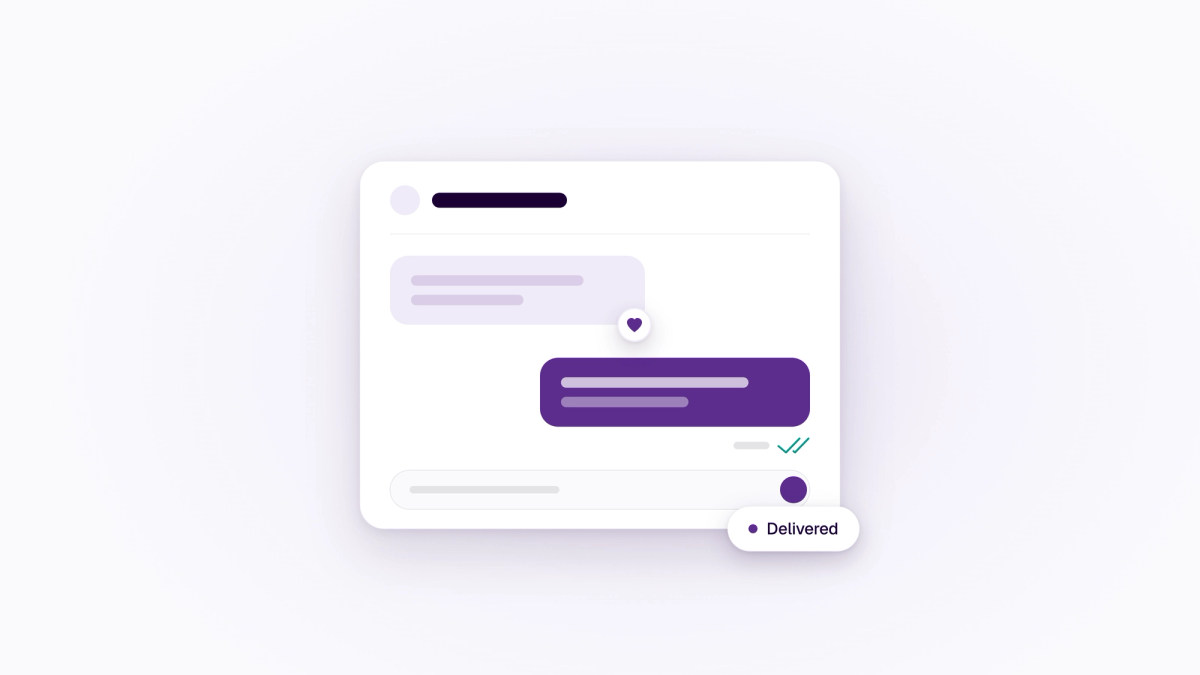
- Inbox replies you can count on. Reactions and two-way translation now come with the inbox. Photos, videos and voice messages from Instagram show up in the conversation, and customers who reply by email land back in the same thread. You can see whether a customer received your reply, and they get one bundled email in their language only when they've left the chat. Pilot now helps in the reply box too, with versions you choose from. Pilot never sends a reply for you. (Business and Enterprise.)
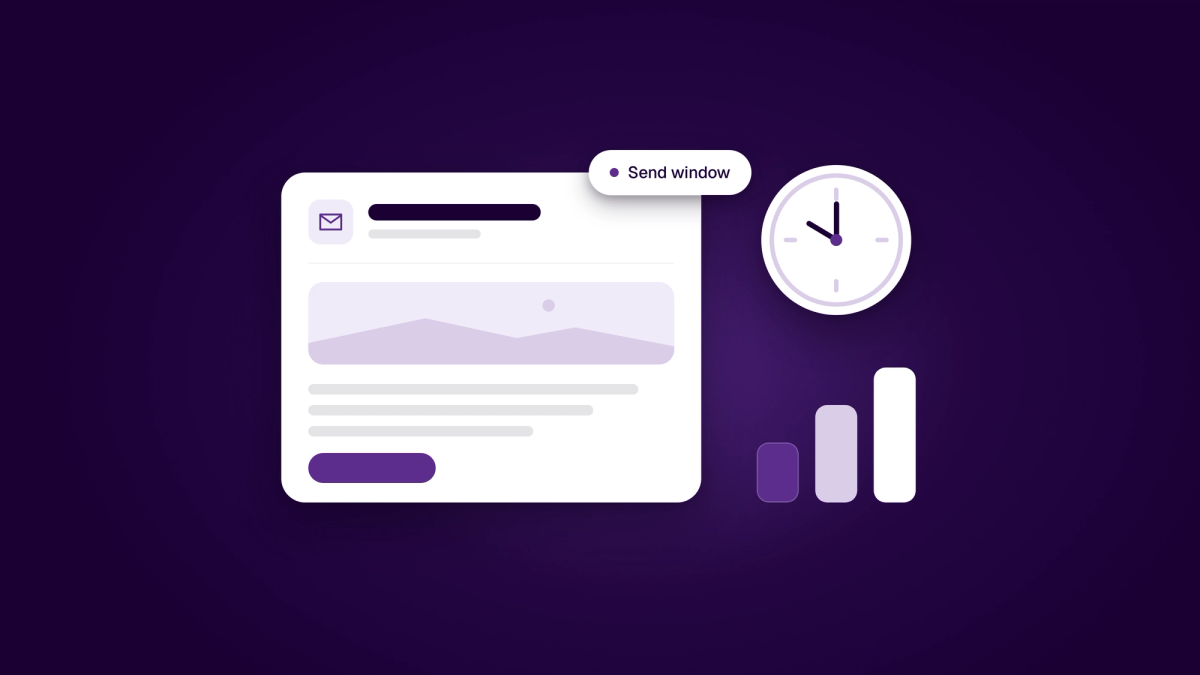
- Email campaigns that respect the clock. Choose the hours a campaign may send, and an optional finish-by time. Large campaigns go out in growing waves and pause themselves if bounces or spam complaints climb, and unsubscribes are now counted per campaign. (Business and Enterprise.)
- Brand explains what it's for. Brand now opens with a short map of where things are used. Your logo and colours go into emails, screens and receipts, your brand identity shapes how Pilot writes, and your social accounts decide where posts go. Setup is down to three steps: connect a social account, add a logo and describe your brand. Until you do, Pilot still writes and tells you which details would help.
- Support on your Home page. Your conversations with the Medal Social team now show in a Kundeservice card on Home, with where each one stands: sent, read, in progress or solved. Start a new conversation from the card, or find Support in your personal menu.
- A touch of the season. Small seasonal details appear around the Medal Social logo through the year, such as lights in Advent and flags on 17 May. Arabic workspaces get a crescent in Ramadan and lanterns for Eid. The logo itself never changes.
For developers
- Medal Social MCP server. AI clients can now finish a social draft without opening the app: update its text, channels and per-network settings, attach media, and take a published post down through the same action the composer uses.
- Meda UI 3.15. Opt-in hooks for multi-select steps: hold the Next button back until a choice is made, give it its own class, and use pill-shaped booking buttons. Defaults are unchanged.
- NextMedal 1.0.0-beta.10. The starter now deploys to Cloudflare Workers through the OpenNext adapter, with security and dependency updates and a fix for share links on client-side navigation.