Update No. 34
A simpler sign-in, and undo when you delete a post
Signing in to Medal Social is simpler and quicker on the web and on iPhone. Deleted posts can be brought back for 30 days, and Norwegian businesses can fill in their company details from the Brønnøysund Register.
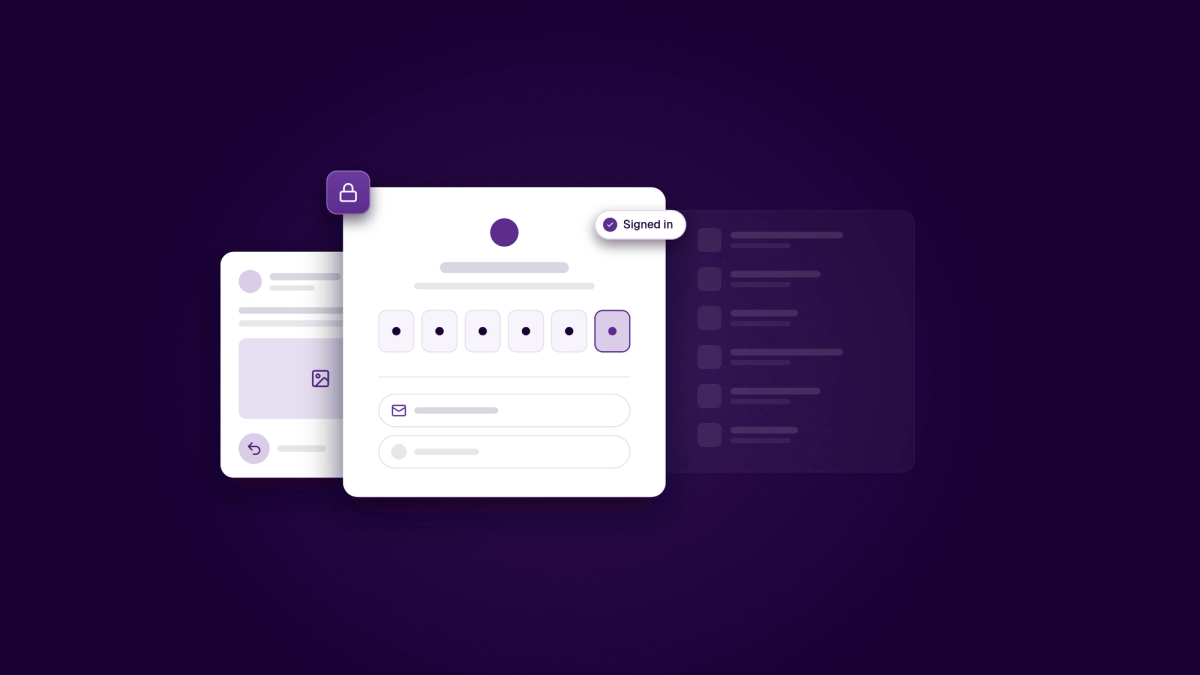
Signing in to Medal Social is quicker. The new sign-in screen shows the Medal Social logo, one clear line and your sign-in options. Choose email and we send you a 6-digit code. Once the last digit is in, you're signed in. No extra button to tap.
Deleted a post by mistake? You can now bring it back for 30 days. Undo appears as soon as you delete, and a scheduled post goes back on the plan if its time hasn't passed yet.
- New sign-in on the web and on iPhone. Sign in with Google or email on the web, and with Apple, Google or email on iPhone. On iPhone, the code fills itself in from Mail, and you get clear messages when a code is wrong, has expired or the connection drops. (iPhone: App Store version 1.6.6.)
- Undo for deleted posts. After 30 days it's removed for good.
- Company details from the Brønnøysund Register. In Brand Center, search for your company by name or organisation number, confirm it, and Medal Social fills in your legal name, address and VAT status. The saved company stays locked so it can't be changed by mistake.
- Pilot's consent screen, reworded. The text is easier to follow (in Norwegian it now says «KI», Norwegian for AI), and Pilot asks for your consent once more under the new wording.
- Drop photos straight onto your calendar on iPad. In Split View, drag photos or videos from the Photos app onto the calendar or the New post sheet. (iPad, version 1.6.6.)
- Better link previews. Share links, review links, invites and connect links now show a proper preview image when you paste them into chat or social apps.
- Medal Social Desktop 1.14 feels more at home on your computer. It has full native menus and keyboard shortcuts, remembers your zoom, warns you before you quit with unsaved work, and window titles follow the page you're on.
- Stay up to date: an unread badge on the dock or tray, in-app notifications, and phone and SMS links that open the right app.
- Fits your setup: the theme follows your system, the update-ready card is quieter, and Settings > Desktop app shows the version number, Check for updates and Restart now.
- A new splash screen, and on Mac the app offers to move itself to Applications. Windows gets all of this in 1.14.1. Mac and Linux have had it since 1.14.0.
For developers
- SDK 1.16.0 and Bookings package 0.8.0. Booking pages can follow how far ahead your workspace takes bookings with window.followPolicy. Pages that don't set it keep working as before. If the setting can't be read, booking pages stop offering times rather than show the wrong ones.
- Meda UI 3.14. A new opt-in ShellViewportHintProvider lets phones get the mobile layout before JavaScript loads. Collapsing the side rail and opening the right panel no longer animate their width, so they feel instant.
- Medal Social MCP server. Every tool now carries standard hints (read-only, destructive, idempotent, open-world), so AI clients know which calls change data before they run them.